Pre-Game Highlights
Pre-game highlights are available for the upcoming games. There are currently three supported formats for pre-game highlights:
- Highlights of last head-to-head matches between two teams.
- Highlights of the previous games from the home team.
- Highlights of the previous games from the visiting team.
Creating a Pre-Game Highlight
To create a pre-game highlight, follow these steps:
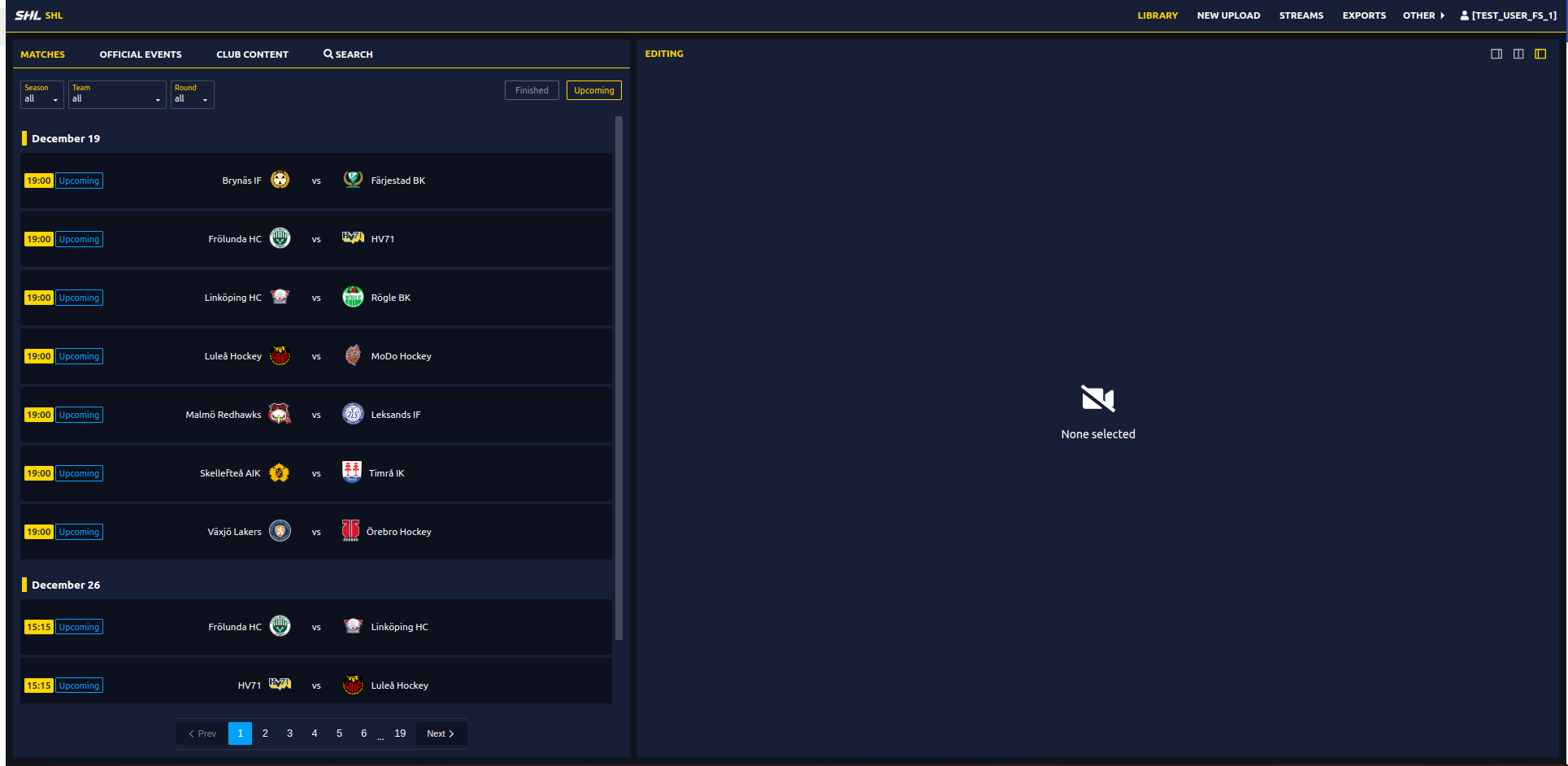
1. Go to the Library
- Click on the Library from the top navigation bar.
- In the Library, select Matches and choose one of the upcoming games.
2. Generate Pre-Game Highlights
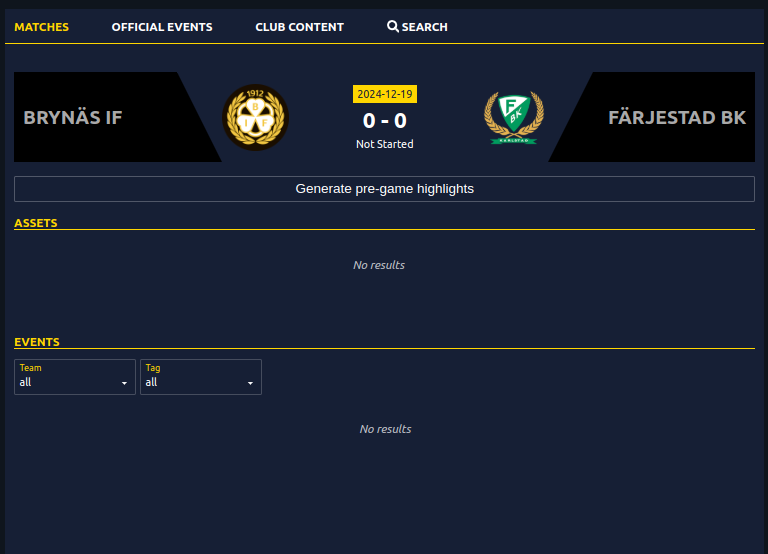
- In the upcoming game panel, you'll see the option to generate pre-game highlights.
3. Select Highlight Type
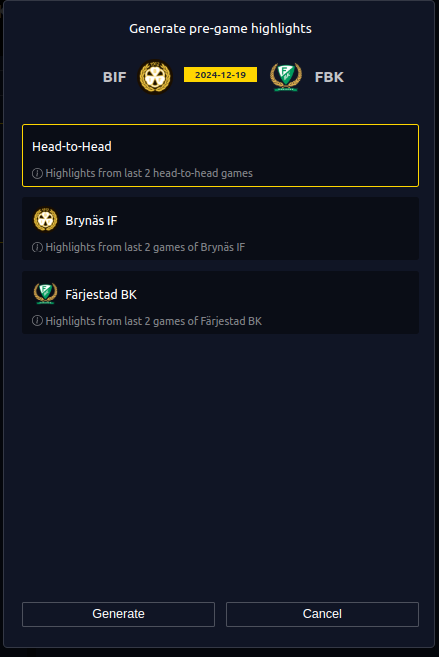
- Choose the type of pre-game highlight you want (head-to-head, home team, or visiting team).
4. Preview and Adjust
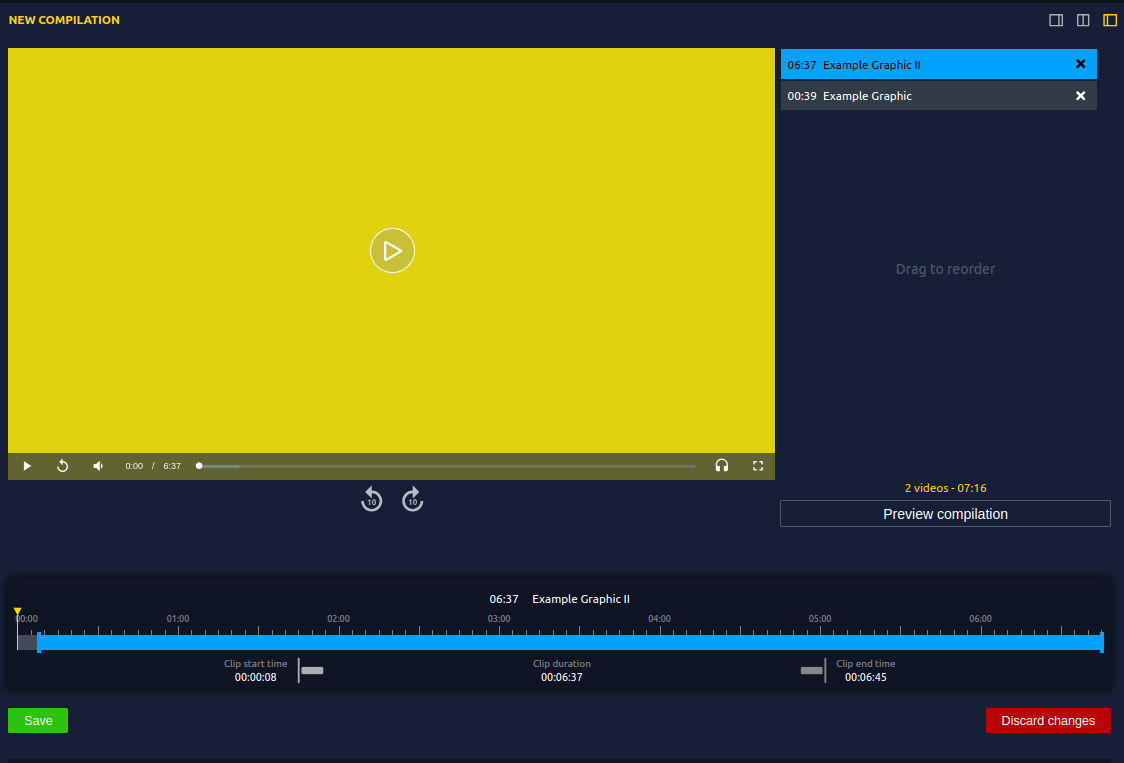
- The panel will display suggested events and a preview of the highlights. You can manually adjust the video if necessary.
5. Export the Playlist
- The playlist will be available in the Club Content section.
- You can export the video via direct download or with prepare export and with your desired graphic package.
- For help creating a custom graphic package, refer to the Graphic Package Guide.
Tip
Exporting the video with a pre-game graphic package can enhance the user experience.