New Automated SHL Graphic Package and Custom Designs
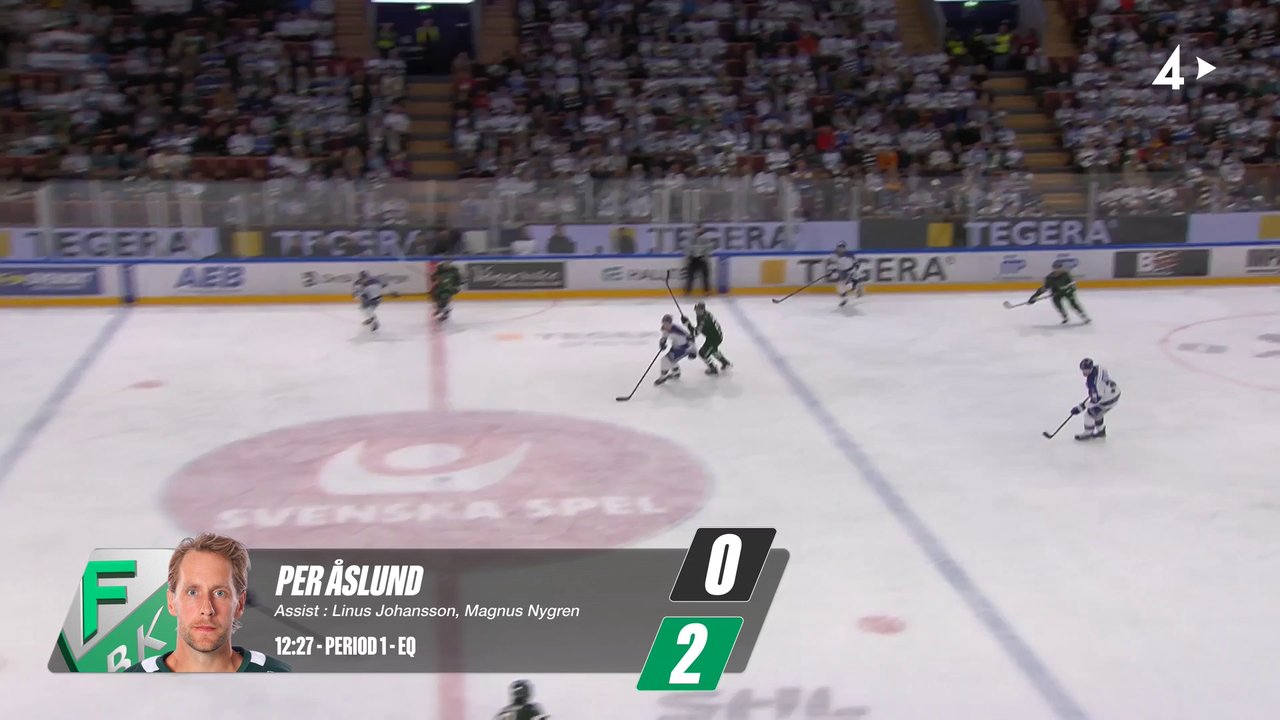
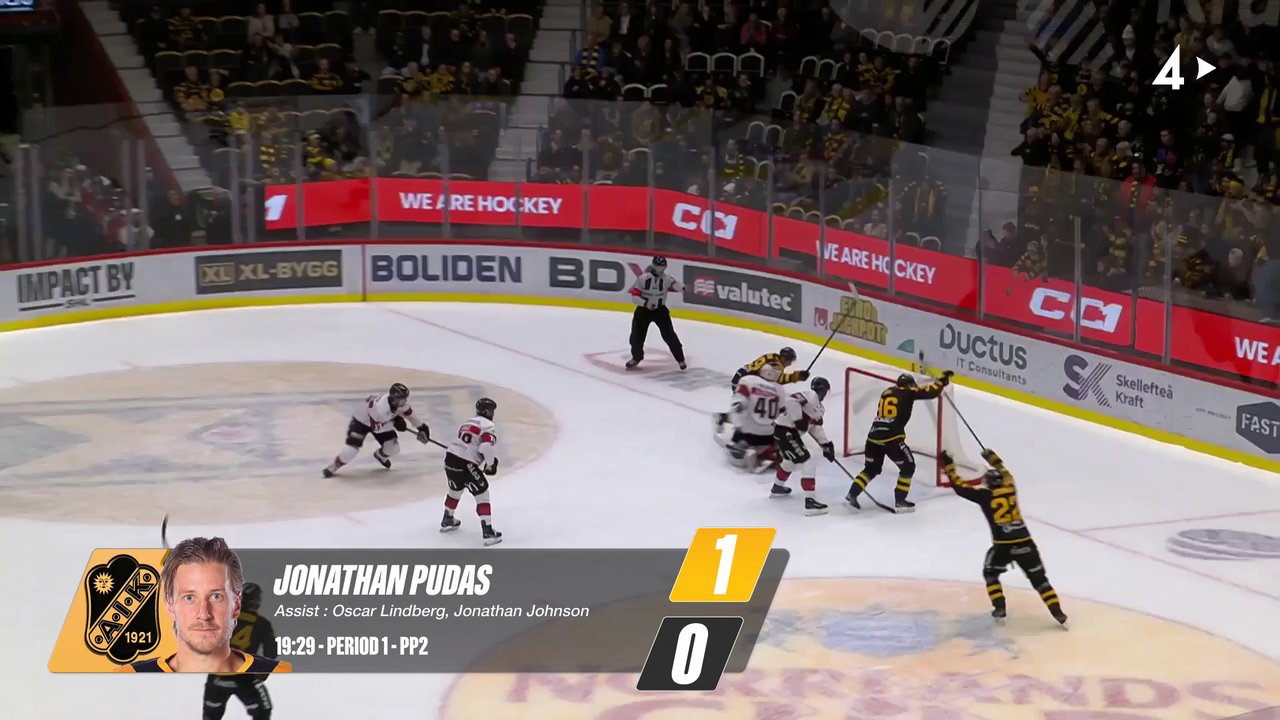
We are excited to announce a powerful new update to our graphic packages, starting with a custom solution for SHL that introduces a new level of automation for goal highlights.
As part of this new package, the system automatically detects both the goal and the subsequent replay moment. Immediately after each goal, it creates a clip, applies the custom SHL graphics, and posts it to pre-configured destinations—all without any human intervention.
This automated pipeline has been fully functional throughout the current SHL season, proving its reliability and demonstrating significant time savings for production teams.
Below are some examples of the custom graphics in action:
Custom Graphic Packages Tailored to Your Needs
In addition to this SHL package, we are also thrilled to offer the creation of custom graphic packages tailored to your specific branding and workflow requirements. If you are looking to streamline your content creation and enhance your broadcasts with professional, automated graphics, please reach out to our support team.