Post-Game Highlights
Post-game highlights are available to create after a game has concluded. These highlights provide a quick summary of key events from the game.
Creating a Post-Game Highlight
To create a post-game highlight, follow these steps:
- Go to the Library:
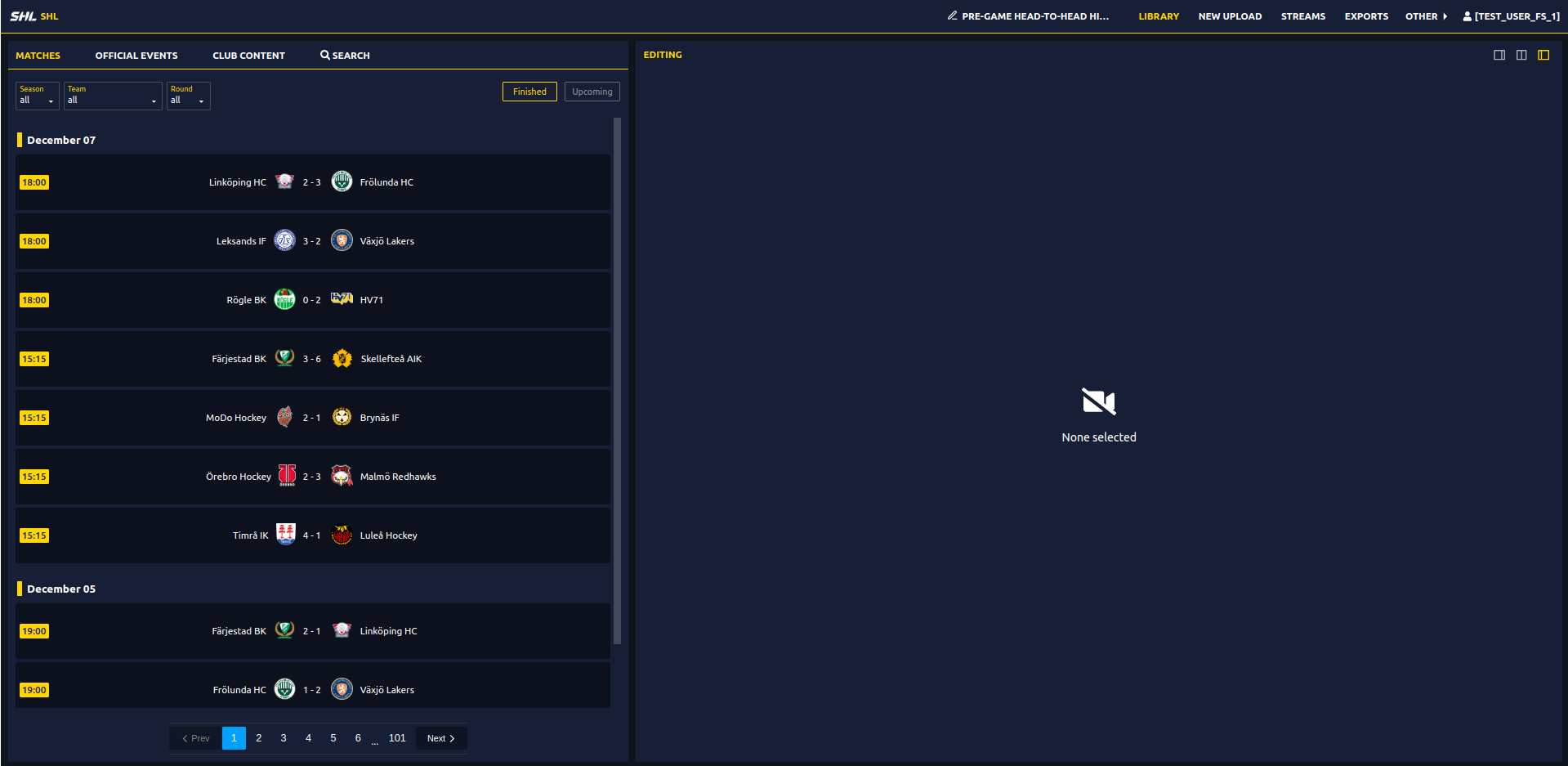
- Click on the Library from the top navigation bar.
- In the Library, select Matches and choose one of the 'Finished' games.
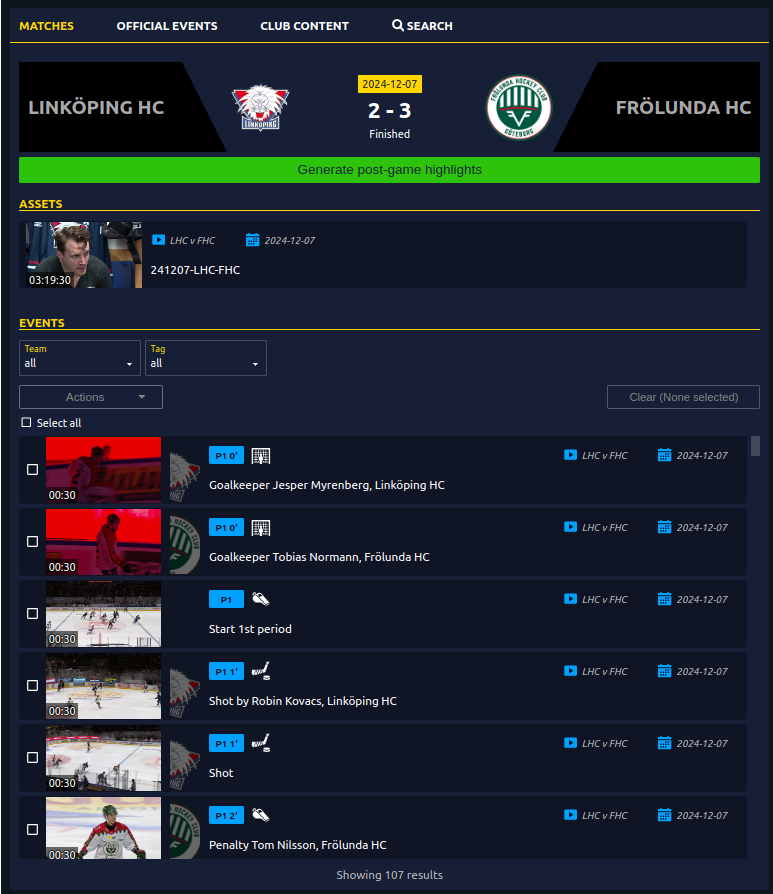
- Generate Post-Game Highlights:
- In the completed game panel, you'll see the option to generate post-game highlights.
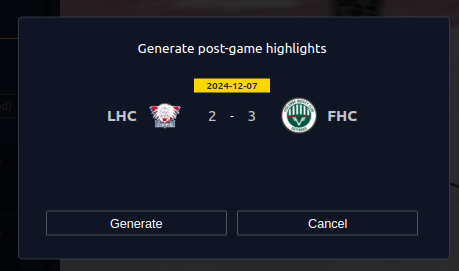
- Confirmation Window:
- Once you click on the Generate Post-Game Highlight button, a confirmation window will appear, asking if you want to proceed with generating the highlights.
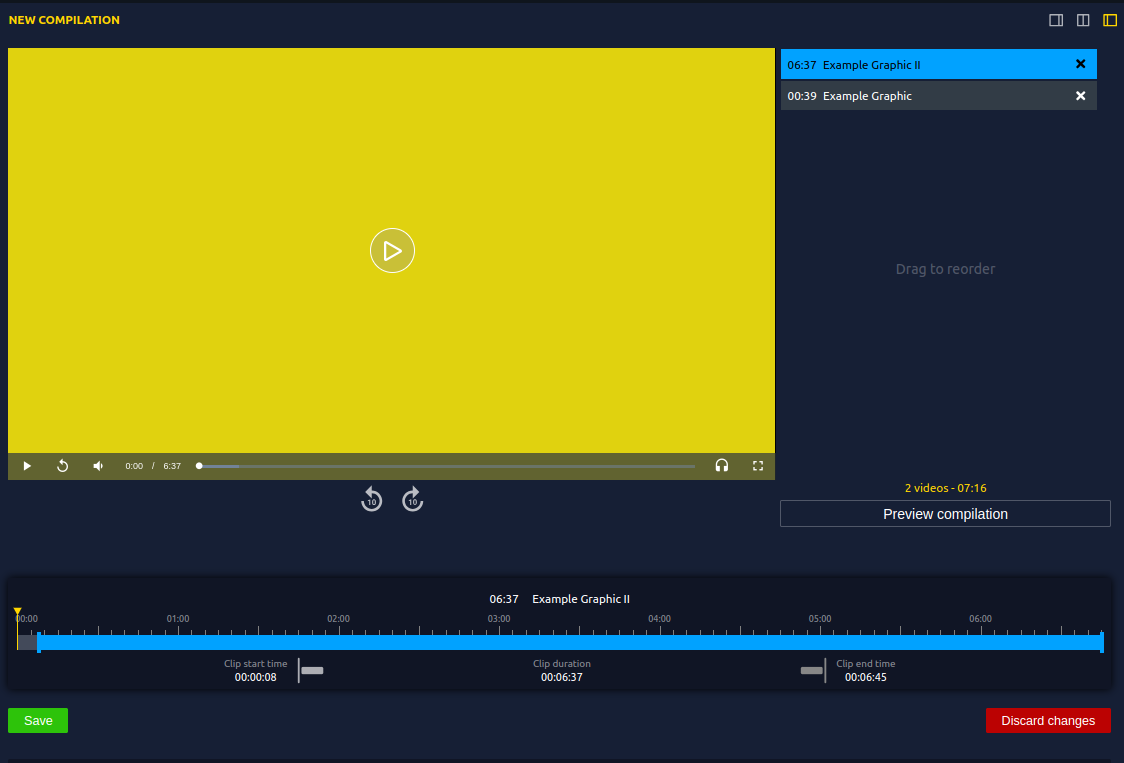
- Create and Preview:
- After confirming, the system will automatically compile the key events into a highlight reel.
- You can review and preview the generated highlights.
- Export the Playlist:
- The playlist will be available in the Club Content section.
- You can export the video via direct download or with prepare export and with your desired graphic package.
- For help creating a custom graphic package, refer to the Graphic Package Guide.
Tip
Using a post-game graphic package can improve viewer engagement by adding professional branding and design elements.