Graphic Packages Guide
Graphic Packages allow users to apply various overlays, such as intro and outro screens, or add meta information like event details (e.g., goals, penalties) to an exported video. This guide will walk you through the process of creating and configuring a Graphic Package in Forzify MAM.
What are Graphic Packages?
Graphic Packages are support@forzasys.com overlays that enhance the visual appeal and provide key information in videos. They can be used for: - Intro/Outro Screens: Add a professional start and finish to your videos with intro and outro graphics. - Meta Information Overlays: Display important information, such as goals, penalties, and game phases, directly on the video.
How to Create a New Graphic Package
Follow these steps to create a new Graphic Package in Forzify MAM:
- Navigate to the Graphic Packages Section:
-
From the top menu, go to Other > Graphic Packages.
-
Create a New Package:
- Click the
Create new packagebutton on the top right. -
Alternitevly on the left pane you can select one of the existing packages to edit or duplicate.
-
Choose a Template:
-
Select the free Forzasys template to start customizing your package.
-
Customize the Graphic Package:
- Intro Screen: Toggle whether to include an intro screen at the start of your video.
- Outro Screen: Toggle whether to include an outro screen at the end of your video.
- Meta Information: Customize meta information colors, including:
- Background Color
- Text Color
- Border Color
- Event Information: Choose which events to display, such as:
- End of game
- Goal
- Penalty
- Goalkeeper event
Custom Graphic Package Designs
If you require a specific design or have branding requirements, we offer custom Graphic Package creation services. Please contact our support team to discuss your needs.
📧 Email: contact@forzasys.com
📞 Phone: +47 970 80 007
Intro and Outro Screen Options
Here’s a quick video demonstration showing the available options of intro and outro screens in different colors:
Intro screen options
Outro screen options
Meta Information Example (Screenshot)
Below is an example of how the meta information appears for a goal event when the user specifies a black background with white text. The meta information is displayed in the bottom left corner of the video.
Custom Graphics
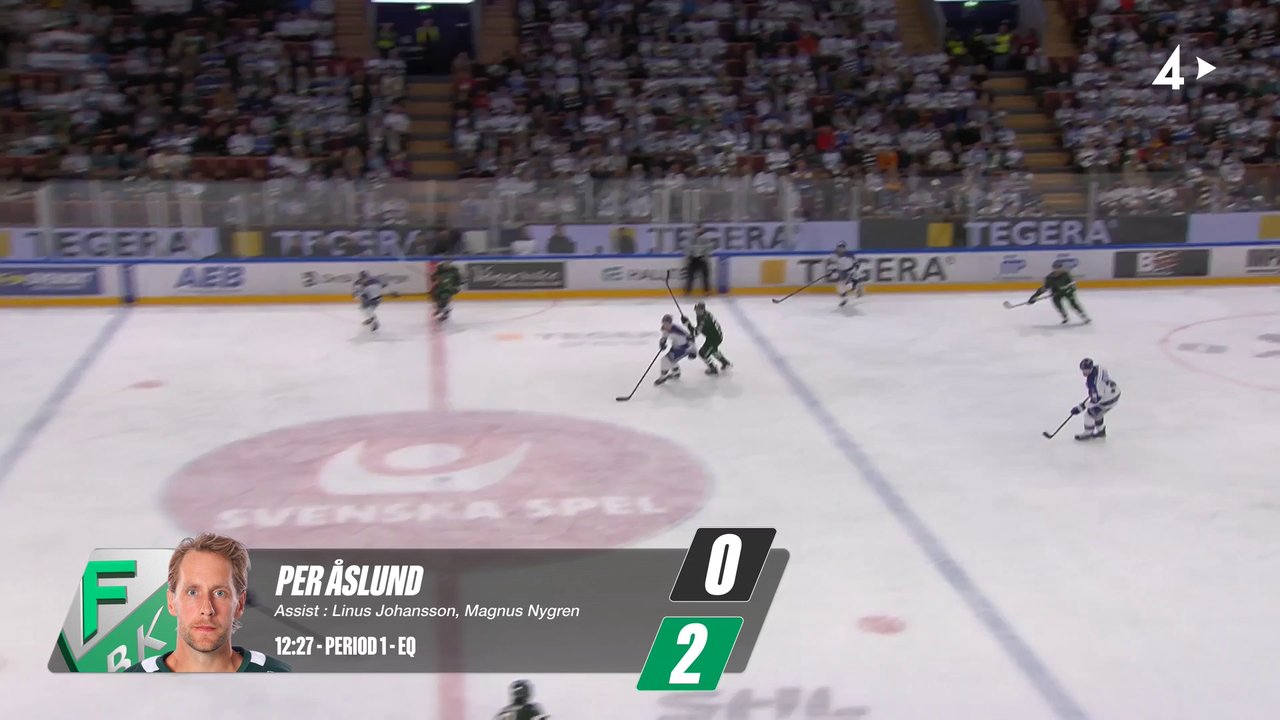
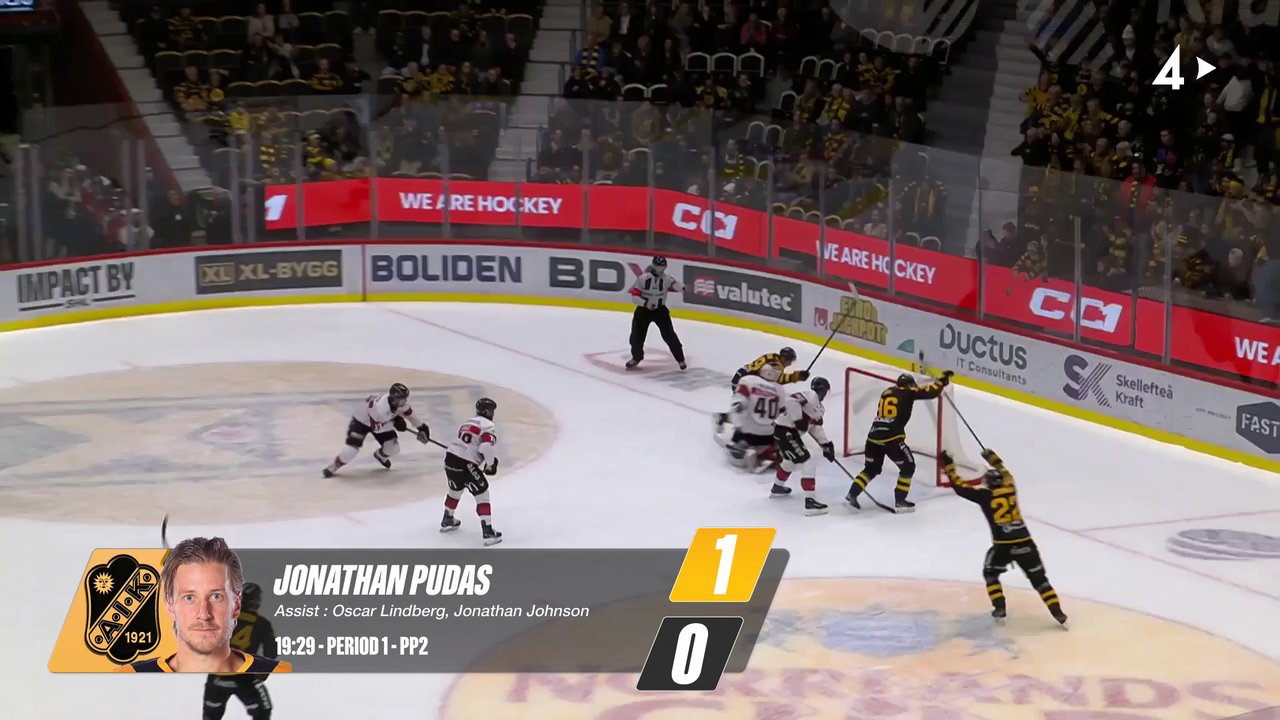
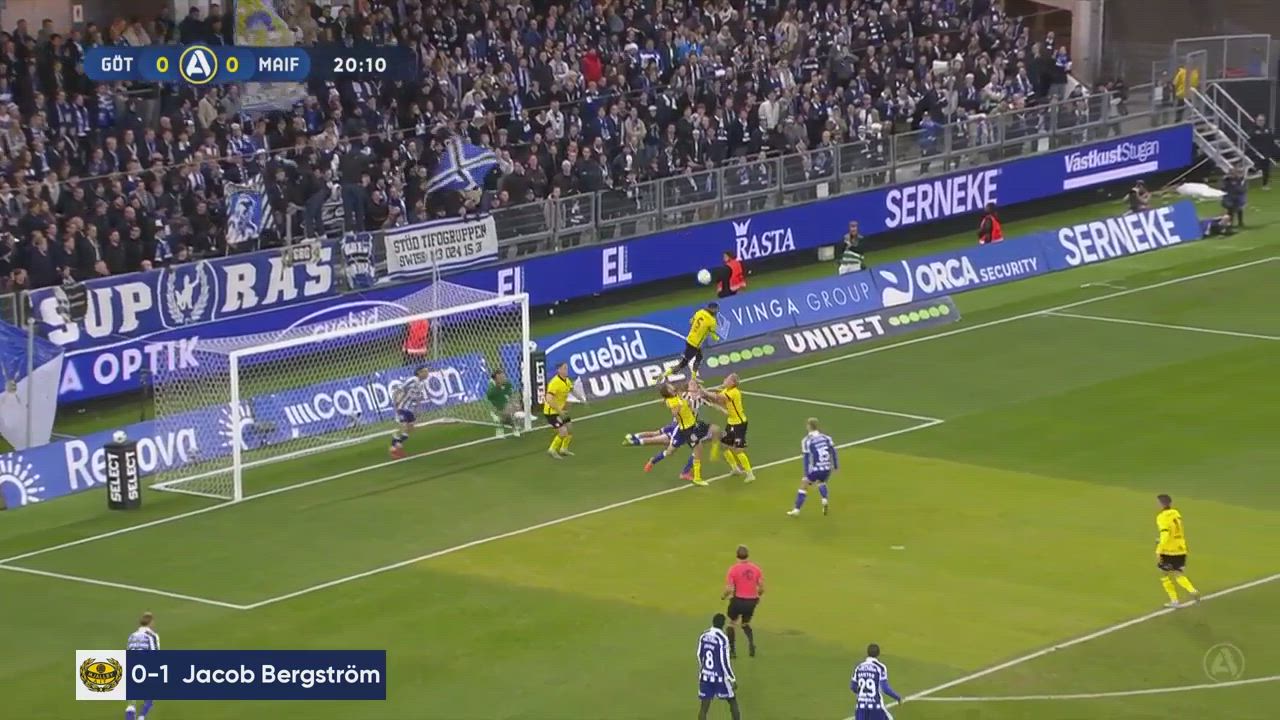
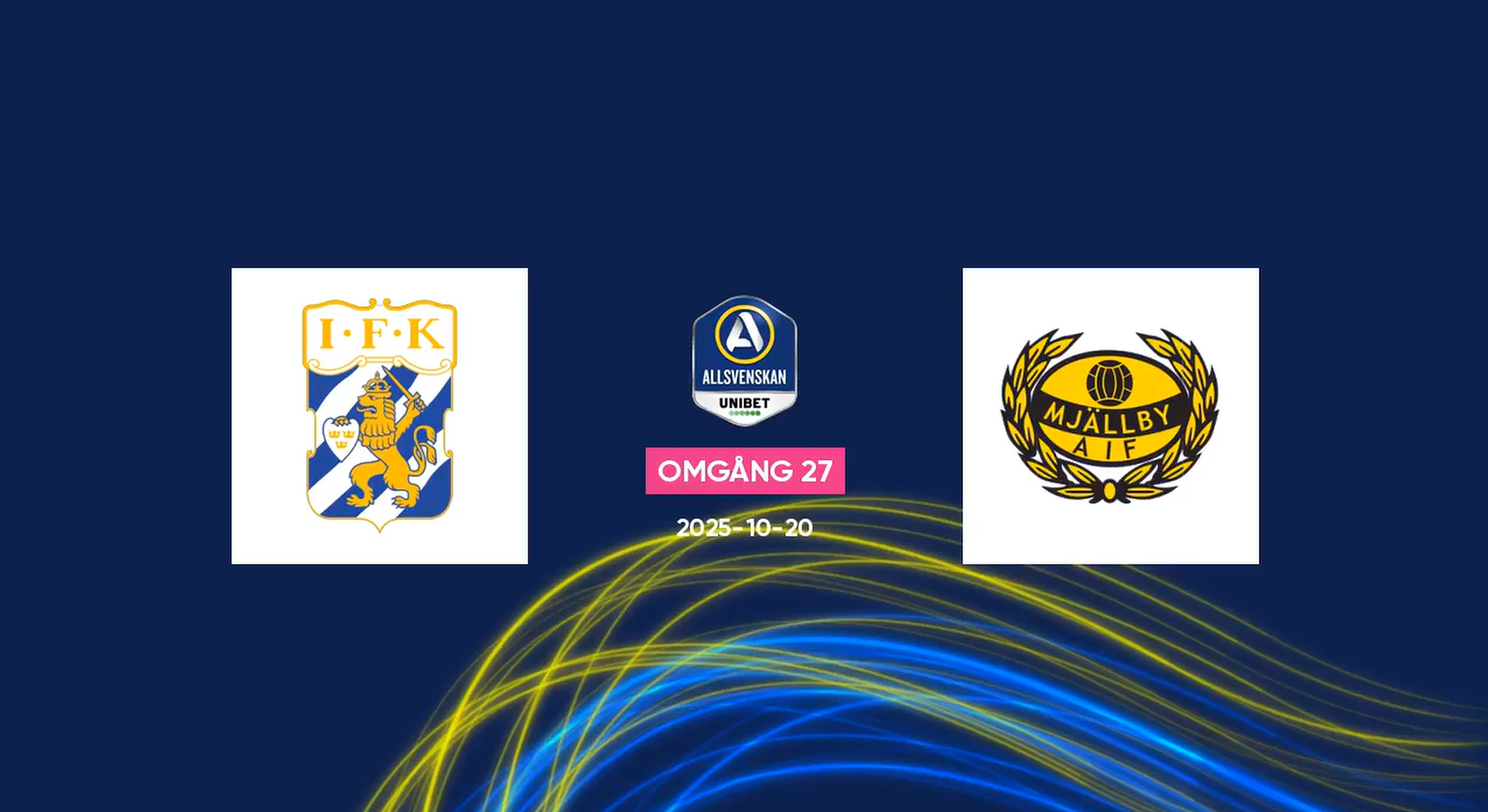
We can design custom graphic packages tailored to your specific needs. If you require a unique design or have branding requirements, please contact our support team to discuss your needs. Below are some examples of custom graphics we have created for different clients.
Need Help?
If you you’re looking for a fully customized template or encounter any issues while trying to create a Graphic Packages, please reach out to our Support Team.